Custom request forms
Create purpose-built forms for the employee processes your organisation actually runs.
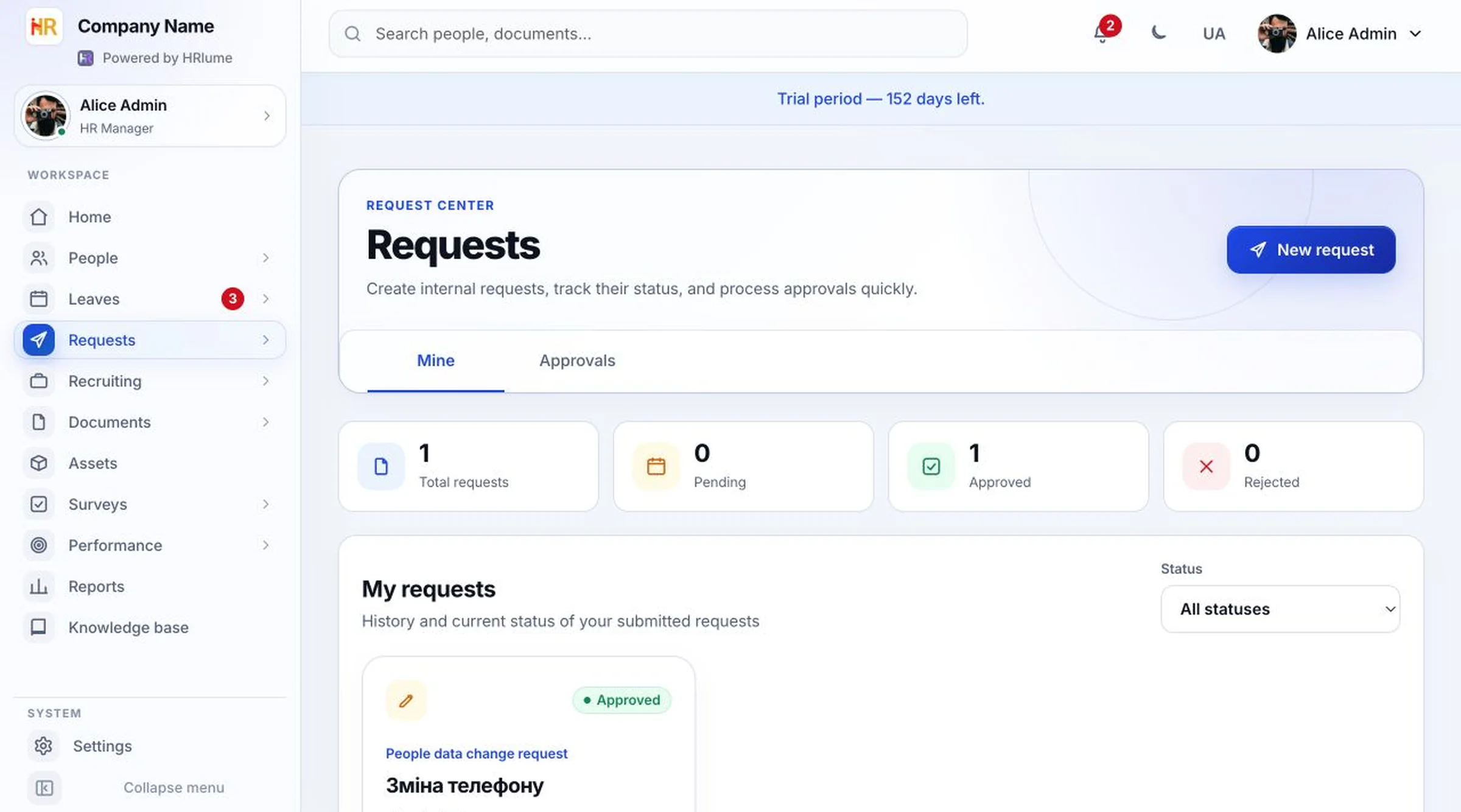
Replace scattered messages and spreadsheets with structured forms, visible ownership and an approval trail employees can follow.
Employee requests often arrive through private chat, email or an unstructured document. That makes context easy to lose and progress difficult to communicate.
HRlume turns repeatable HR, IT and workplace needs into consistent workflows while giving employees a live view of their submitted requests.
Administrators define what information is needed while employees get one familiar way to submit and track a request.
Create purpose-built forms for the employee processes your organisation actually runs.
Separate pending, approved and rejected work so employees and administrators share the same status.
Give managers and administrators a focused queue for requests that require their decision.
Let each person review their own submissions without asking HR for another update.
Keep request definitions in settings so common workflows stay consistent across the company.
Run requests in the same workspace as employee records, roles and organisational access.
Give every employee one clear place to start and finish.
Start your free workspaceEvery step stays understandable for the employee and the person responsible.
The employee starts from a configured form instead of guessing what information HR needs.
Required fields collect the details needed to make a decision.
Approvers work from a focused list with the request state clearly visible.
The employee can return to the request workspace and see the result.